Self-Load (Add Money)
If enabled by your organization, you can load additional funds directly into your main wallet for personal spending or travel.
Adding Funds to Your Wallet
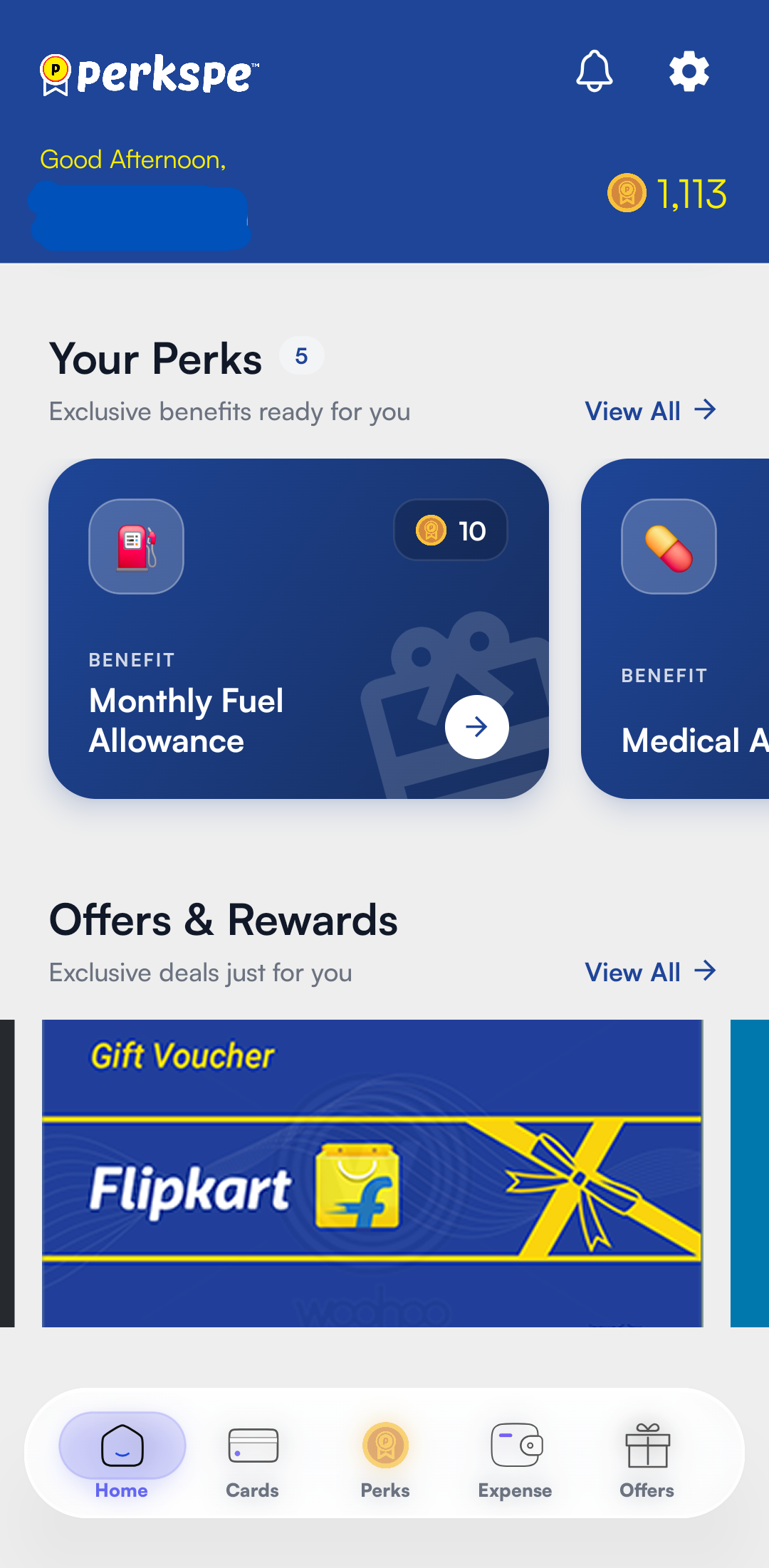
- From the dashboard, tap on the + Add Money button under your Card Balance.
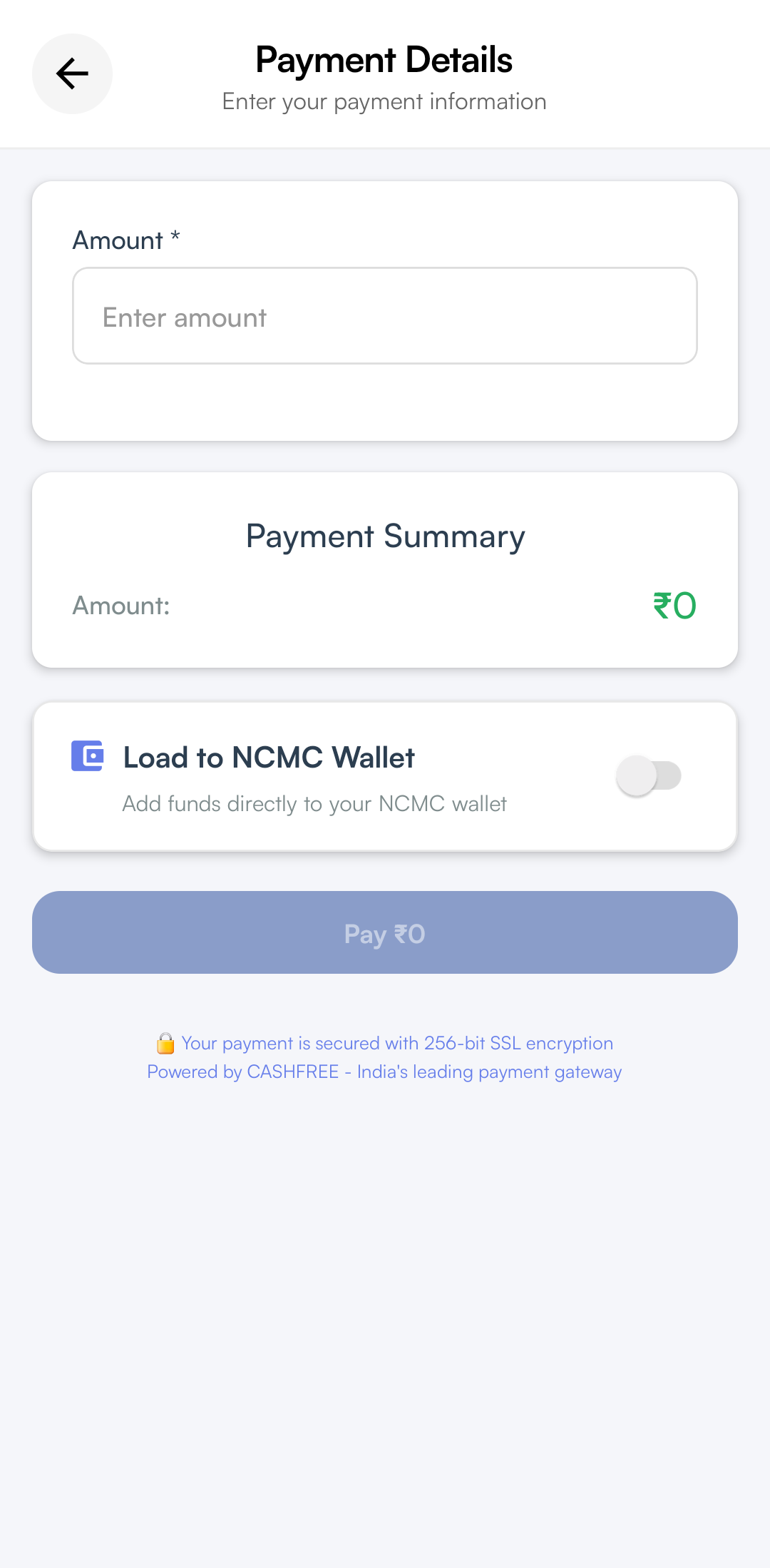
- The Payment Details screen will appear. Enter the amount you wish to load.
- Tap the Pay button at the bottom to proceed.
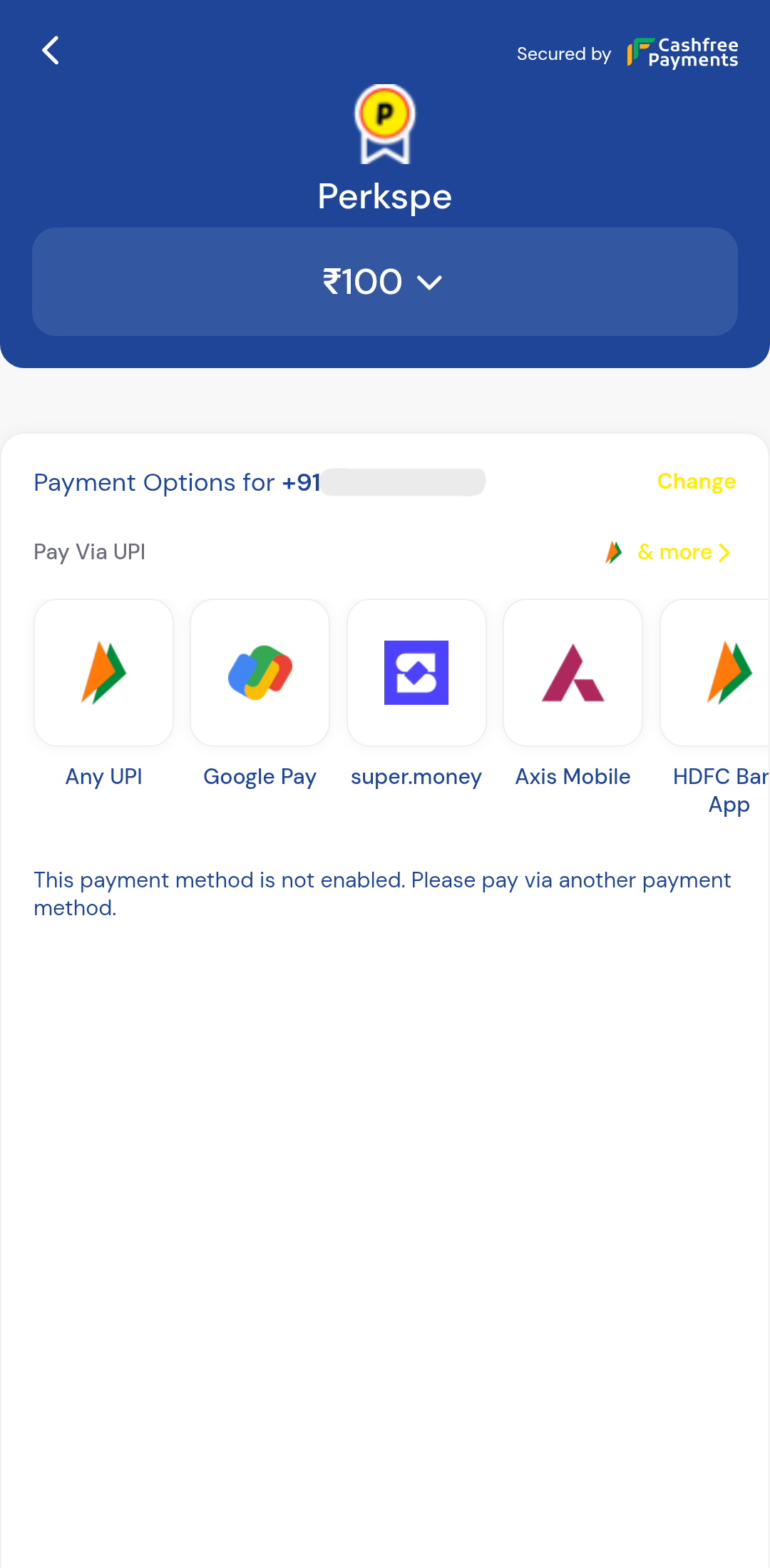
- Select your preferred UPI app or payment method on the secure gateway to complete the transaction.